
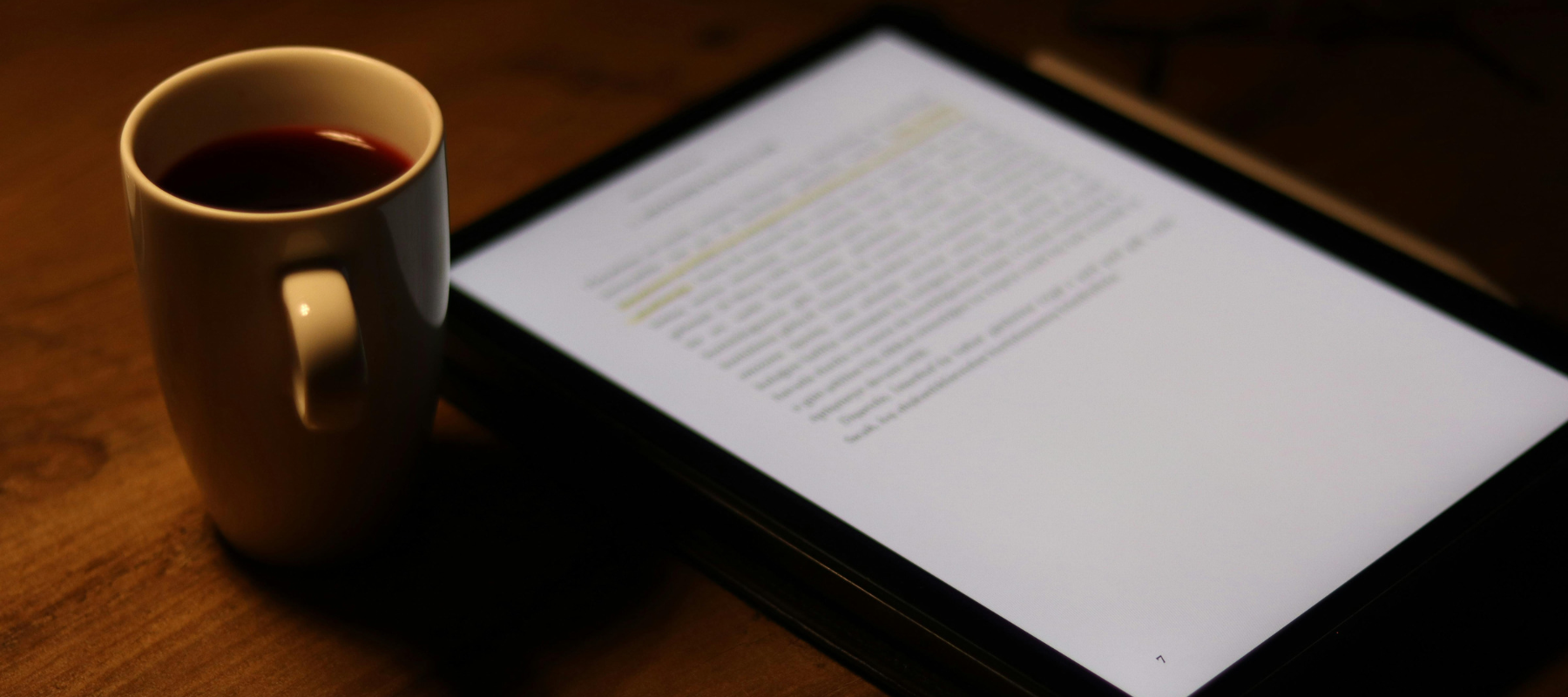
In an era of constant stimulation and rapid content consumption, conventional mobile devices—tablets and smartphones—have become recurring sources of cognitive distraction. Intermittent notifications, flashing alerts, and algorithms designed to capture attention systematically interfere with periods of deep concentration. Against this backdrop of digital saturation, the philosophy of “calm technology” offers a much-needed alternative: tools designed to perform a specific function with minimal visual and operational friction, allowing users to focus their attention without interruptions.
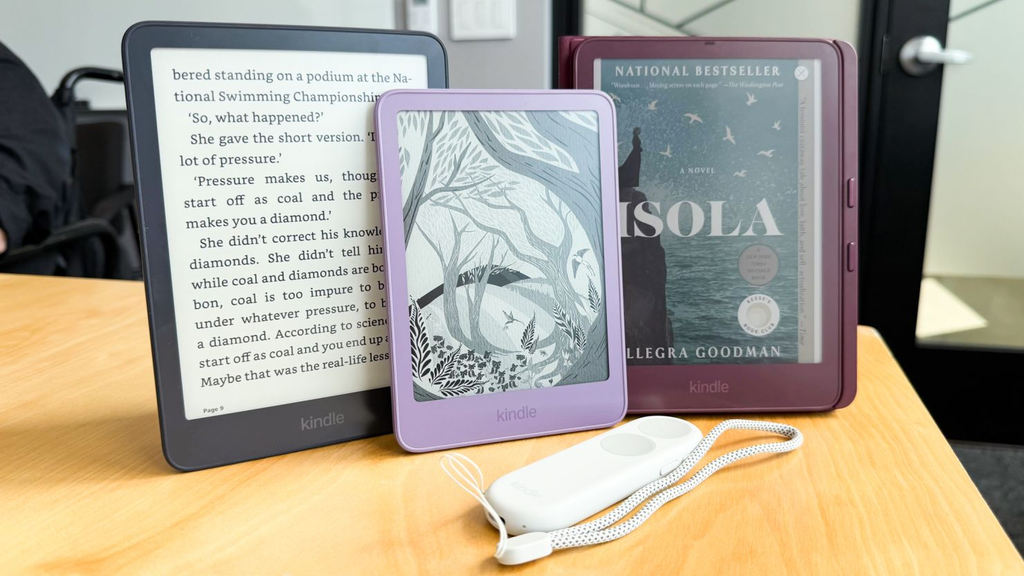
Within this category of specialized hardware, the new generation of Amazon Kindle devices sets the standard for the evolution of digital reading. Designed to offer a visual experience equivalent to printed paper, these e-readers combine high-resolution E Ink screens, warm, self-adjusting lighting, and hardware architectures geared exclusively toward reading text and documents.
1. The Architecture of Silent Technology in the New Kindles
The concept of “invisible technology,” originally formulated in the Xerox PARC research laboratories by Mark Weiser and John Seely Brown, holds that the most profound technology is that which blends into the environment and functions without demanding constant attention. The new Kindle models apply this principle through key hardware and software engineering decisions:
- High-Density E-Ink Screens: Unlike OLED or LCD panels, which emit light directly into the eyes and cause eye strain, E Ink Paperwhite technology uses microcapsules of reflective pigment that mimic the texture of ink on real paper, allowing for extended reading even in direct sunlight.
- No Distracting Notifications: By eliminating messaging apps, social media, and platforms that display pop-up notifications, the Kindle's operating environment preserves the reader's flow state, reducing context switching.
- Battery Life Measured in Weeks: The system's energy efficiency allows a single charge to last up to 10 or 12 weeks of continuous use, eliminating the anxiety about daily recharging that is typical of other portable devices.
2. Expert Perspectives on Silent Digital Reading
The impact of dedicated screen technology and digital detox on reading habits has been analyzed by various leading figures in the fields of technology outreach and product analysis.
- Michael Kozlowski, Senior Editor at Good e-Reader: As one of the most renowned analysts in the e-ink industry, Kozlowski frequently highlights in Good e-Reader that the inclusion of panels with higher refresh rates and adjustable warm lighting in the new Kindles has drastically lowered the barrier to entry for readers accustomed to physical books, cementing e-ink as the ideal medium for cognitive retention.
- Nathan Chandler, Contributor at HowStuffWorks: In his analyses of consumer technology and digital simplicity for HowStuffWorks, Chandler emphasizes that dedicated monochrome devices offer a much-needed refuge from the “tyranny of multitasking,” allowing users to regain the ability to read deeply that is lost when browsing on traditional web browsers.
- Jim Lynch, Hardware Reviewer at TechSpective: Through his product reviews on TechSpective, Lynch highlights that the evolution of the new Kindles lies in their ability to maintain a minimalist interface. According to Lynch, the fundamental value of these devices lies not in what they can do, but in what they deliberately choose not to do: they do not play videos, display push notifications, or fragment the user’s attention.
- Samantha Mangino, Lead Technology Reporter at Mashable: In her review of the latest models on Mashable, Mangino highlights that the reduction in weight and the adoption of a completely flat front (flush-front) design have transformed the device into an extraordinarily lightweight and ergonomic travel companion, ideal for holding for hours without physical fatigue.
- Rebecca Isaacs, Technology Review Specialist at Forbes Vetted: In her reviews of consumer devices published on Forbes Vetted, Isaacs emphasizes that the 300 dpi screen resolution and intuitive interface radically simplify access to large digital libraries, making the transition from physical books to e-books an organic process free of technical friction.
3. Practical User Guide: How to Easily Download Books to Your Kindle
Despite the technical sophistication of its screen and operating system, using a Kindle to purchase and download books is a quick and easy process. Below are the main methods for easily adding digital content to your library:
Method 1: Direct download from the Kindle Store (via Wi-Fi)
- Connect to the network: On your Kindle's home screen, swipe down from the top of the screen, select Settings, and make sure to connect the device to your home Wi-Fi network.
- Access the Store: Tap the Store tab located on the top or bottom navigation bar of the main screen.
- Search by title: Use the search bar at the top and enter the book's title, the author's name, or the topic you're interested in.
- Purchase or download: Select the book of your choice. If you're subscribed to services like Kindle Unlimited, you'll see the "Read ( for Free" button. If you want to buy it, tap "Buy now with ( 1-Click).
- Automatic synchronization: Once the transaction is confirmed, return to the Library tab. The book will begin downloading automatically and will be available to read in a few seconds.
Method 2: Sending Personal Documents Using "Send to Kindle"
This is my favorite way to transfer books and documents! If you have your own digital documents in compatible formats (such as EPUB, PDF, or TXT) on your computer or cell phone, you can send them directly to your device wirelessly:
- Via Email: Each Kindle device is assigned a unique email address (you can check it under Settings > My Account > Send-to-Kindle Email). Attach the file to an email sent from your registered personal account and send it to your Kindle address. The document will automatically sync to your library.
- Via the Official Web Service: Access the official Amazon Send to Kindle platform from your computer's browser. Drag and drop the files you want to transfer, select your device, and click Send. The books will appear on your Kindle when it connects to Wi-Fi.
4. Conclusions
The new generation of Kindle devices demonstrates that technological innovation doesn't always require brighter screens, noisier processors, or more intrusive notifications. By prioritizing visual comfort, interface simplicity, and ease of content acquisition, dedicated e-readers have established themselves as an indispensable tool within the philosophy of “quiet technology.” By eliminating distractions from the digital environment, these devices give users back control over their time and allow them to enjoy deep reading in a space of absolute tranquility.
Are you interested in learning more about silent technology and digital development?
We invite you to explore our specialized content, available in both English and Spanish, designed for professionals seeking to optimize their use of technology with precision and simplicity.
We also invite you to subscribe to our exclusive newsletter. We regularly share in-depth technical analyses, practical user guides, and insights on personal technology directly in your inbox.
Leave a Reply